Set up a reference curve with a 1-carat gem.
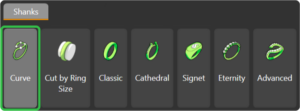
In the Shanks tab, use the Curve command.
This time, select the USA size 6 ½ for the reference curve.
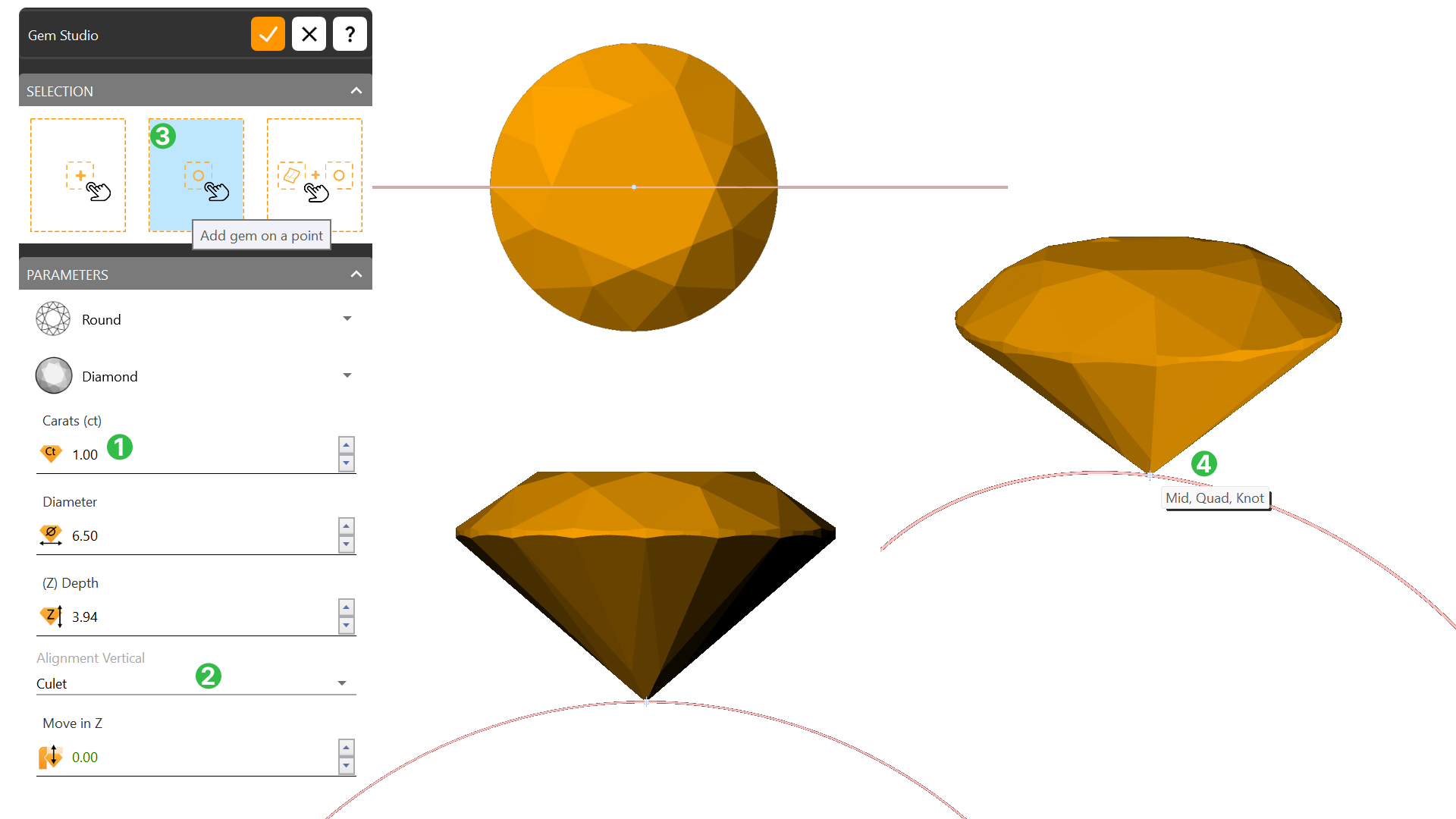
Go to the Diamonds tab and use the Gem Studio command.
Create a 1-carat gem (1). Change the alignment to Culet (2).
Use the 'Add Gem on a Point' (3) option, then click on the upper point of the reference curve (4).
Using the gumball, move the gem 2.30 millimeters upward from the culet.
Next Lesson Create the Cluster Setting
Last updated 1 year ago
Was this helpful?