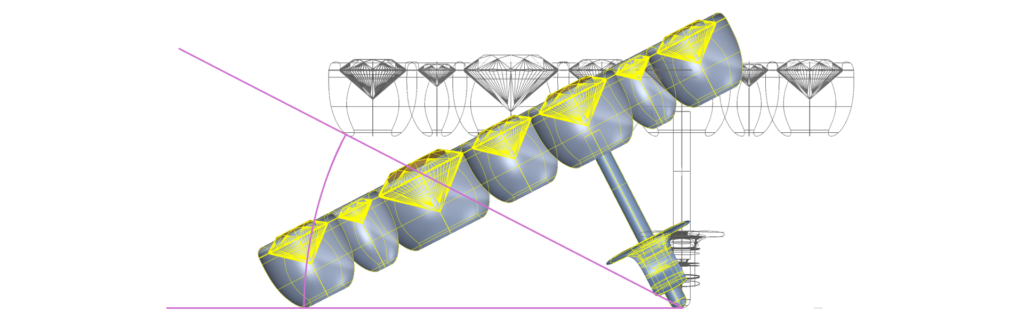
Type Rotate in the command bar, select both earrings, and choose the bottom point of the earring post as the base point. Select the bezel point that touches the reference curve's tangent line.
Step 2: Orto
Press Shift or activate Orto to rotate the earring until it aligns with the XY axis.
Step 3: Save in the Curator Panel
Finalize the pose, and save the model in the Curator panel for future use.